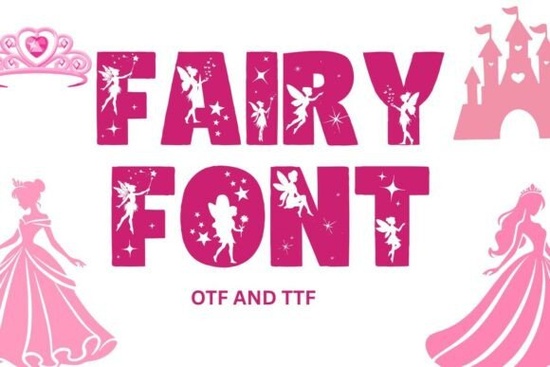
Fairy Font is a delightful, fantasy-inspired typeface that brings a touch of magic to any project. If you're looking for a clean, whimsical font with a storybook feel perfect for invitations, logos, or craft designs this one’s worth exploring. It features only uppercase letters A–Z and numbers 0–9, so it works especially well for bold headlines, playful branding, and decorative elements.
What makes Fairy Font stand out?
Unlike many fonts that include lowercase letters, punctuation, or special characters, Fairy Font focuses on clarity and style with just uppercase letters and digits. This minimalist approach keeps the design sharp and consistent, making it ideal for projects where visual impact matters most.
- Enchanting aesthetic – The delicate strokes and soft curves give it a dreamy, fairy-tale vibe.
- High-quality vector files – Crisp outlines mean your prints will look clean at any size.
- Works on light and dark backgrounds – No need to worry about contrast; it adapts naturally.
- Easy to install – Once downloaded, it integrates smoothly into most popular design tools.
Where can I use Fairy Font?
Whether you’re a crafter, small business owner, or hobbyist, this font fits right in. Try it for:
- Wedding or birthday invitations
- Custom T-shirts and print-on-demand items
- Craft labels, stickers, and scrapbooking layouts
- Logo designs with a playful, magical touch
You’ll find it especially useful if you already enjoy other whimsical fonts like Daisyfolk Font or Circle Font. Each has its own charm, but Fairy Font leans more into classic fantasy think enchanted forests and glowing spellbooks.
Is it compatible with my favorite design software?
Yes, Fairy Font supports a wide range of platforms, which makes it convenient across different workflows:
- Canva – Upload directly as a custom font (no extra steps).
- Cricut Design Space – Works great for cutting projects, especially when paired with layered designs.
- Silhouette Studio – Best used with Business Edition for full control.
- Photoshop, Illustrator, Affinity Designer – Standard installation via desktop apps.
- Procreate – Use through compatible third-party font apps for tablet work.
If you’ve worked with cross-stitch embroidery fonts before, you’ll appreciate how well Fairy Font translates from screen to fabric or paper. Just remember: since it doesn’t include lowercase or punctuation, plan your text carefully especially for longer messages.
How do I get started?
Once you’ve purchased Fairy Font from Creative Fabrica, download the file and follow the simple installation steps for your device. Most systems recognize .ttf or .otf formats without issues. After installing, open your preferred app and start typing with that magical flair.
For inspiration, check out similar styles like Soccer Font, which offers a fun twist on bold lettering though very different in tone. Fairy Font is better suited for soft, imaginative themes than sporty or edgy ones.
Note: Because the font includes only uppercase letters and numbers, avoid using it for full paragraphs or formal documents. It shines best in short phrases, titles, and decorative elements.
Fairy Font is available now on Creative Fabrica, where you can browse thousands of creative resources with real-world applications.Quick checklist before using Fairy Font
- ✅ Confirm your design software supports custom fonts
- ✅ Install the font file correctly on your computer or device
- ✅ Test the font on both light and dark backgrounds
- ✅ Use only uppercase letters and numbers in your text
- ✅ Avoid relying on it for long-form content
With a little planning, Fairy Font can become a go-to choice for adding gentle magic to your next creative project.
Download Now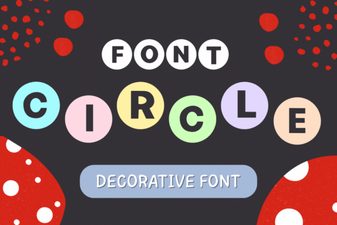 Creative Circle Font Design Ideas for Your Projects
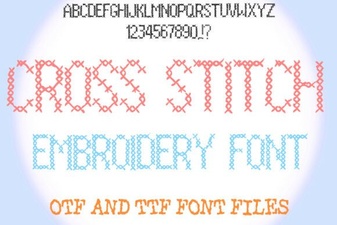 Creative Cross Stitch Embroidery Font Designs for Craft Projects
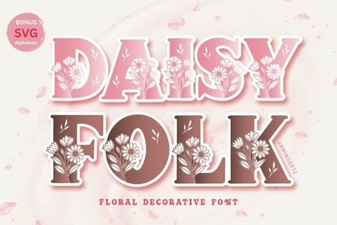 Daisyfolk Font: Creative Typography for Unique Projects
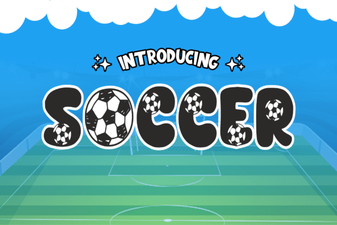 Creative Soccer Font Designs for Sports Projects
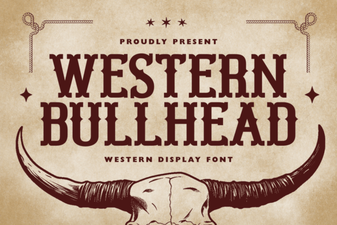 Western Bullhead Font for Bold, Creative Design Projects
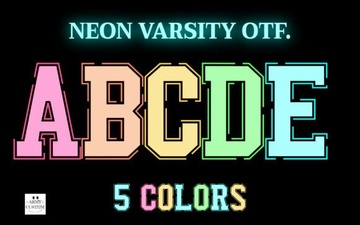 Neon Varsity Font for Bold, Creative Design Projects